How I set up an inference server on the GX10
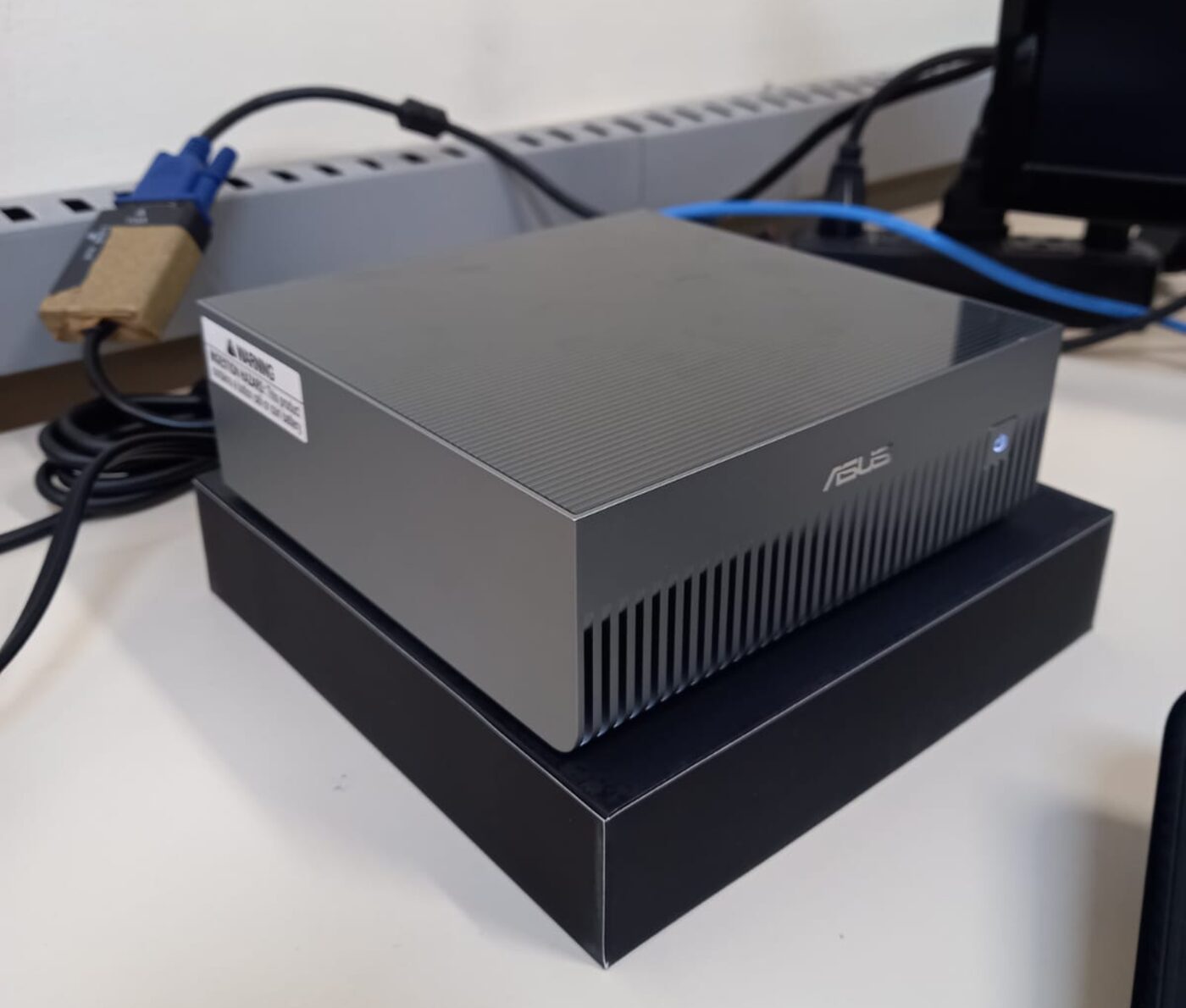
The GX10 during setup.
In my master’s at UFRGS, I study what AI agents do on a machine by watching them from the operating system. Until now the agents ran on a laptop, and the model behind them ran in someone else’s data center, on the far end of an encrypted connection. I could see what the agent did, but the model was on someone else’s machine.
The project now has its own computer, an ASUS Ascent GX10, shared by four of us. It is smaller than a shoebox and has room for a 120-billion-parameter model, the agents that call it and the tools that watch them. I installed it on October 19, and the inference server was running the next day. The setup and the benchmarks below are my work; the rest of the team uses the server.
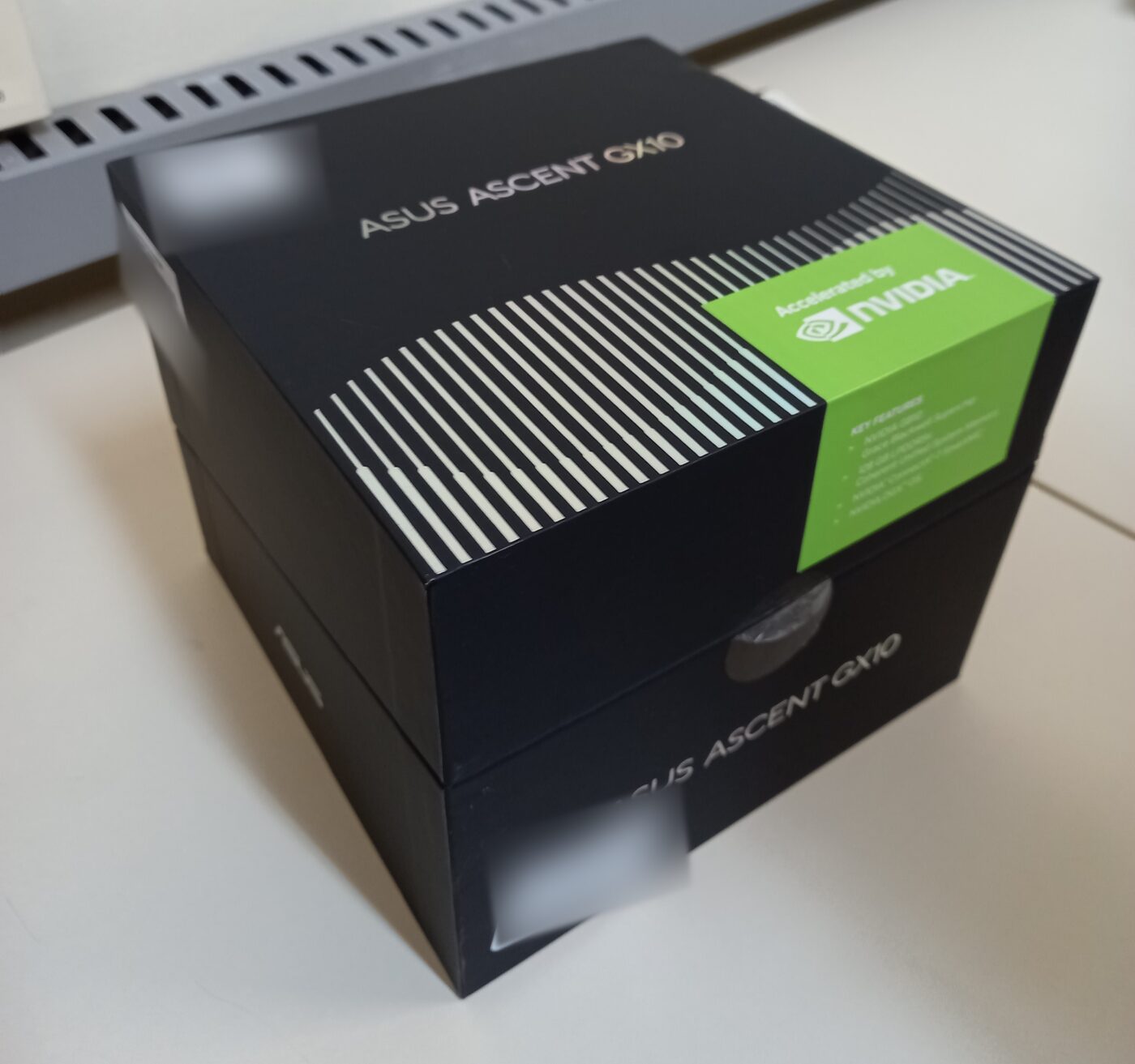
Still in the box.
Setting it up
It came as a regular desktop computer. Nobody works in front of it, so the graphical login, remote desktop, Bluetooth and printing are off. The institute had not opened a port for outside access, so the machine connects out through Tailscale, and each of us reaches only this computer.
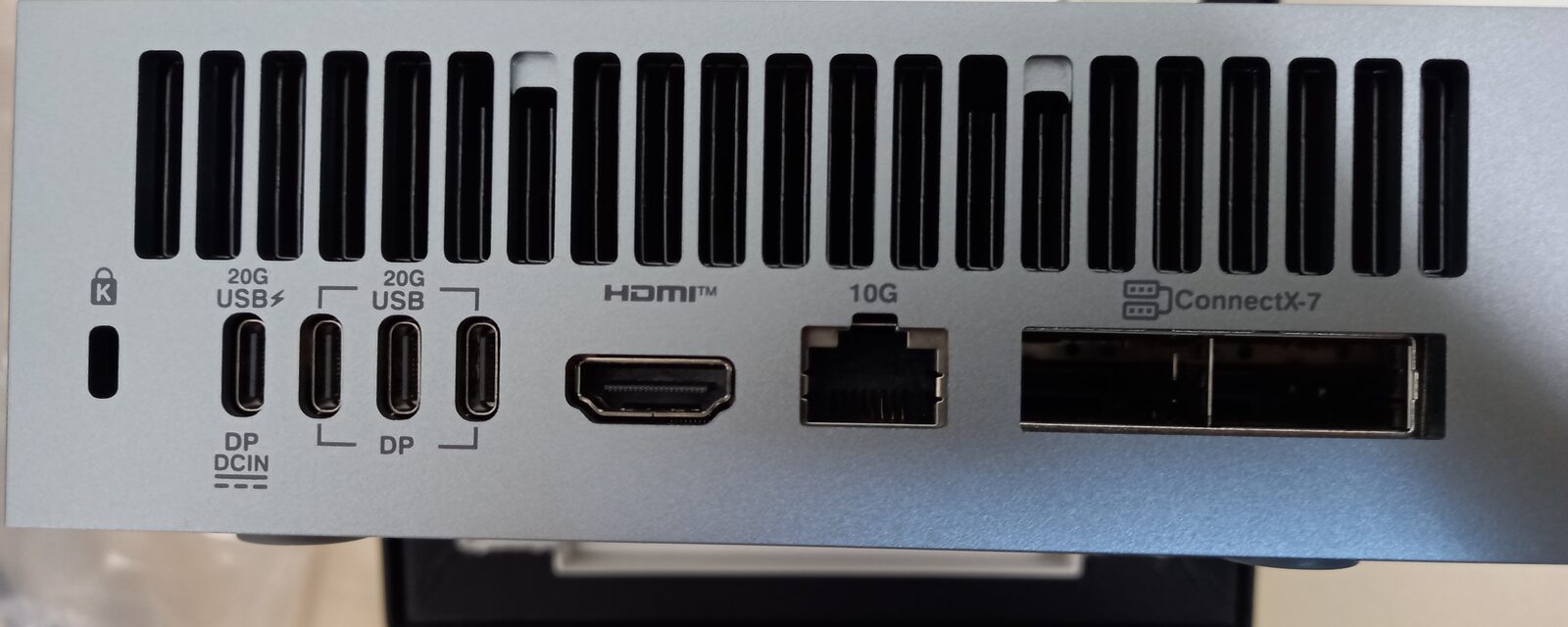
The back panel.
Our tracing tools now see the real kernel. In the development setup, containers ran inside a small virtual machine, so they saw a kernel inside a kernel. During setup I read an HTTPS request here before it was encrypted, and found that a probe on SSL_write misses Python, which calls SSL_write_ex.
Inference runs on vLLM behind llama-swap, which starts a model on demand. The default loader took eight minutes to read gpt-oss-120b’s weights, and fastsafetensors takes about 15 seconds.
Each model is one entry in the llama-swap config: the docker run that starts vLLM and the command that stops it. This is the one for gpt-oss-120b:
gpt-oss-120b:
  proxy: http://127.0.0.1:${PORT}
  cmd: |
    docker run --name ${MODEL_ID} --init --rm --gpus all --ipc=host
    -p 127.0.0.1:${PORT}:8000
    -v /srv/models/hf:/root/.cache/huggingface
    -v /srv/models/vllm-cache:/root/.cache/vllm
    -e HF_HUB_OFFLINE=1
    nvcr.io/nvidia/vllm:26.09-py3
    vllm serve openai/gpt-oss-120b
    --served-model-name gpt-oss-120b
    --load-format fastsafetensors
    --gpu-memory-utilization 0.7
    --enable-auto-tool-choice --tool-call-parser openai
  cmdStop: docker stop ${MODEL_ID}
  unloadTimeout: 60
  concurrencyLimit: 256
--gpu-memory-utilization 0.7 leaves the rest of the unified memory to the agents and observers. concurrencyLimit is there because the default of 10 answers 429 past that point, and batches of parallel agents go over it. The full config for all five models and the systemd unit are on GitHub.
What is installed, and how fast it runs
jose@gx10
---------
OS:      Ubuntu 24.04.5 LTS (DGX OS 7.2.3)
Host:    ASUS Ascent GX10
Kernel:  7.0.0-1019-nvidia (aarch64)
CPU:     20 cores (10x Cortex-X925, 10x Cortex-A725)
GPU:     NVIDIA GB10 (driver 580, CUDA 13.0)
Memory:  121 GiB, shared by CPU and GPU
Disk:    916 GB NVMe
Cluster: k3s 1.36
No agents are installed yet, only the five models they will call. One is loaded at a time: it comes up on the first request and leaves memory after 15 idle minutes. The three larger models call tools, so agents can use them. The two small Qwens are configured without tool calling, for comparing model sizes.
I ran the same test on all five: a coding prompt, 256 tokens of output, with 1, 8 and 32 requests at once. The table shows total tokens per second, the median of three runs. It measures speed, not answer quality.
| Model | Size | Load time | 1 req | 8 reqs | 32 reqs |
|---|---|---|---|---|---|
| gpt-oss-120b | 120B (5B active) | 91 s | 36 | 124 | 258 |
| nemotron-3.5-super | 120B (12B active) | 188 s | 37 | 120 | 188 |
| qwen3.6-35b-a3b | 35B (3B active) | 99 s | 117 | 398 | 760 |
| qwen3.5-4b | 4B | 130 s | 21 | 188 | 561 |
| qwen3.5-2b | 2B | 101 s | 43 | 413 | 1272 |
The smallest model is not the fastest. Alone, the 35B Qwen does 117 tokens per second and the 4B Qwen does 21. The 35B uses only 3B parameters per token, stored in 4 bits, and guesses tokens ahead with speculative decoding. The 4B runs all of its weights at 16 bits, with no guessing. Those differences are the likely cause, though I have not tested them separately.
Speculative decoding also makes speed depend on the text. Nemotron did 27 tokens per second on a prose prompt and 37 on this one, because code is easier to guess: 65% of its guesses were accepted on code and 45% on prose.
Parallel requests help the small models most. Going from 1 to 32 multiplies throughput by 29 on the 2B Qwen and by 7 on gpt-oss-120b. Throughput rises with parallel requests on every model, which suits running many agents at once.
What comes next
I plan to run coding agents here, one at a time and several at once, with the agent, the model and the observers on the same machine. The observers will be AgentSight (eBPF tracing of agents), AgentCgroup (resource accounting per tool call) and my own version of these tools. Those runs will feed a public dataset of agent kernel traces.
If you run agents on local models, I would like to know what numbers you see. If your team is deciding whether to serve models on its own hardware, I am happy to share what this setup took and what I would change. My email is contact@josehenrique.dev, and I am also on LinkedIn.